
One limit for every short-video feed.
Instagram Reels, YouTube Shorts, Facebook Reels and Snapchat Spotlight, counted together or separately. Set the rules once and let the app enforce them.
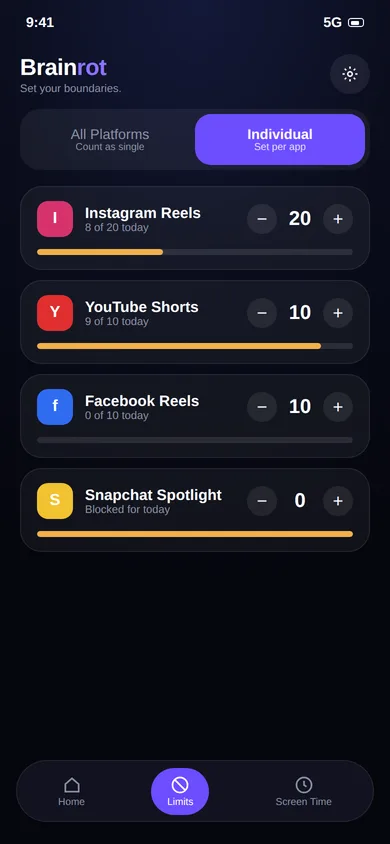
Four feeds. One limit.
Block one feed and the habit usually moves to the next. That is why Brainrot counts them together if you want.
Reels
Stops the autoplay chain of vertical videos, while Messenger-style chats and groups stay usable.
Spotlight
Caps the Spotlight feed. Chats, Snaps and Stories stay available.
Stop the whack-a-mole.
Cap Instagram alone and you'll find yourself on YouTube Shorts ten minutes later. In Unified mode every supported feed draws from one daily number, so 20 on Instagram plus 30 on YouTube uses up a 50-video limit.
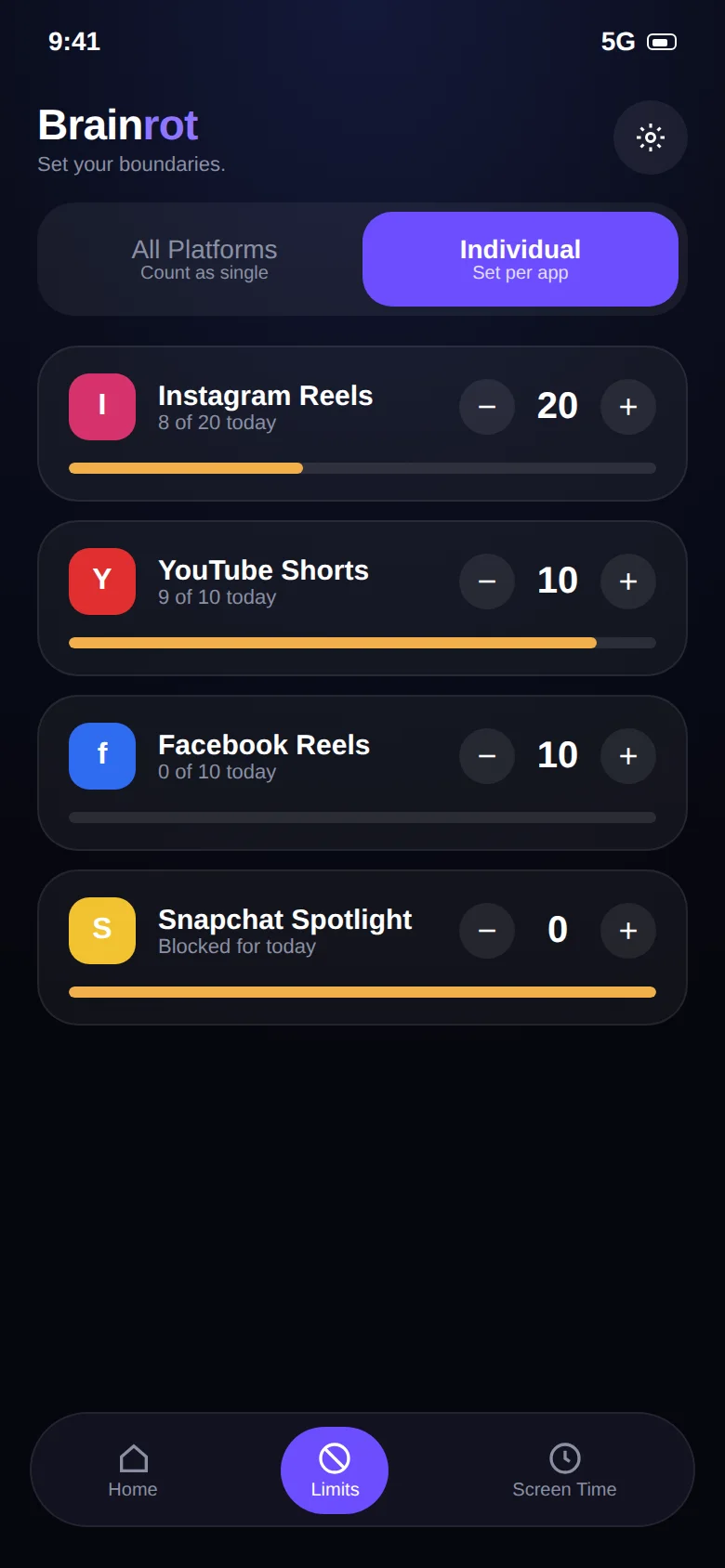
Prefer different rules per app? Individual mode lets you set 20 for Instagram, 10 for YouTube and 0 for Snapchat.
Keep reading.
Guides and pages that go deeper on this topic.
Common questions.
Which apps can Brainrot limit?
Instagram Reels, YouTube Shorts, Facebook Reels and Snapchat Spotlight. On top of that, the app-limits feature lets you set a daily time limit on any app installed on your phone.
What is the difference between Unified and Individual limits?
Unified gives you one shared daily budget across every supported app, for example 50 videos in total, whether they are Reels, Shorts or Spotlight. Individual lets you set a separate number for each app, for example 20 on Instagram, 10 on YouTube and 0 on Snapchat.
What happens when I reach my limit?
Brainrot shows a stop screen and takes you out of the short-video feed. You can still use the rest of the app and the rest of your phone. The counter resets the next day.
Why does Brainrot need the Accessibility Service permission?
Android has no other supported way for an app to know that you swiped to the next Reel or Short. The Accessibility Service lets Brainrot see that a short-video screen is open and that a swipe happened. That is all it is used for. Brainrot does not read your messages, passwords or what you type, and nothing is sent to a server. Details are in the privacy policy.
Take your scroll back.
Free on Google Play. Set a limit in two minutes and keep every app you actually need.